
How it works
You make a place.Everyone else fills it.
Ten minutes of setup before the occasion. A code on a table during it. Then a Story that keeps arriving for days afterwards — from people who never downloaded anything.
The whole loop
Seven things happen.You do three of them.
Create a Memory Space
Choose the occasion. Give it a name.
That's the whole beginning. Koda shapes the Space around what kind of day it is — a wedding is not a birthday and neither is a funeral — so you start with something already half-made.

Make it yours
A welcome, the things people need to know, and what you'd love them to catch.
Not a checklist. You write a line or two to whoever walks in, add anything practical, and choose a handful of Memory Missions — small prompts that produce the moments nobody thinks to photograph.

Invite people
One link. One code. Nothing to install.
Print it on a card, put it on the screen, send it in the group chat. Guests open it in the browser they already have. No account, no app, no password before they can give you something.

They capture what you can't
You will be in the middle of your own day.
Photographs and video from the phone in their hand, thirty seconds of voice, a written memory from someone who'd rather write than be photographed — and the same minute from four different sides of the room.

Memories arrive
Nothing is uploaded. Things arrive.
Each one comes in with a person's name on it. You'll see them land through the evening and the morning after — a slow, quiet tide rather than an inbox.

Your Story grows
It assembles itself as it fills.
Browse it, sit with one minute told several ways, spread everything out and choose, or watch the whole thing play. You shape it if you want to. It works if you never touch it.

Return to it
Tomorrow. Next spring. In nine years.
The Space doesn't close when the day does. It gets quieter, then it surprises you — a voice you'd forgotten, an anniversary, a face. This is where Koda becomes a memory companion rather than an album.

Two people, one place
What you do, and what they do.
Almost all of the effort sits on the left, before the day. Everything on the right takes less than a minute and happens on a phone someone is already holding.
While you're busy
Memories arrivewith names on them.
Not a queue of files waiting for approval. Things people gave you, appearing as they're given. You can hold anything back later — but nothing needs your attention tonight.
Your Story
Four ways to be in it.
You never have to build anything. The Story assembles itself as it fills; these are simply different distances to stand at.
Gallery
Everything, in the order it happened, with the person who gave it attached. The default way in.
Witness
One minute, told several ways. Two people photographed the same thirty seconds and saw completely different things.
Light Table
Everything spread out at once, the way you'd lay prints on a table — for when you want to choose rather than scroll.
Play
The Story, watched. On your phone in bed, or on the big screen in the room while the night is still going.
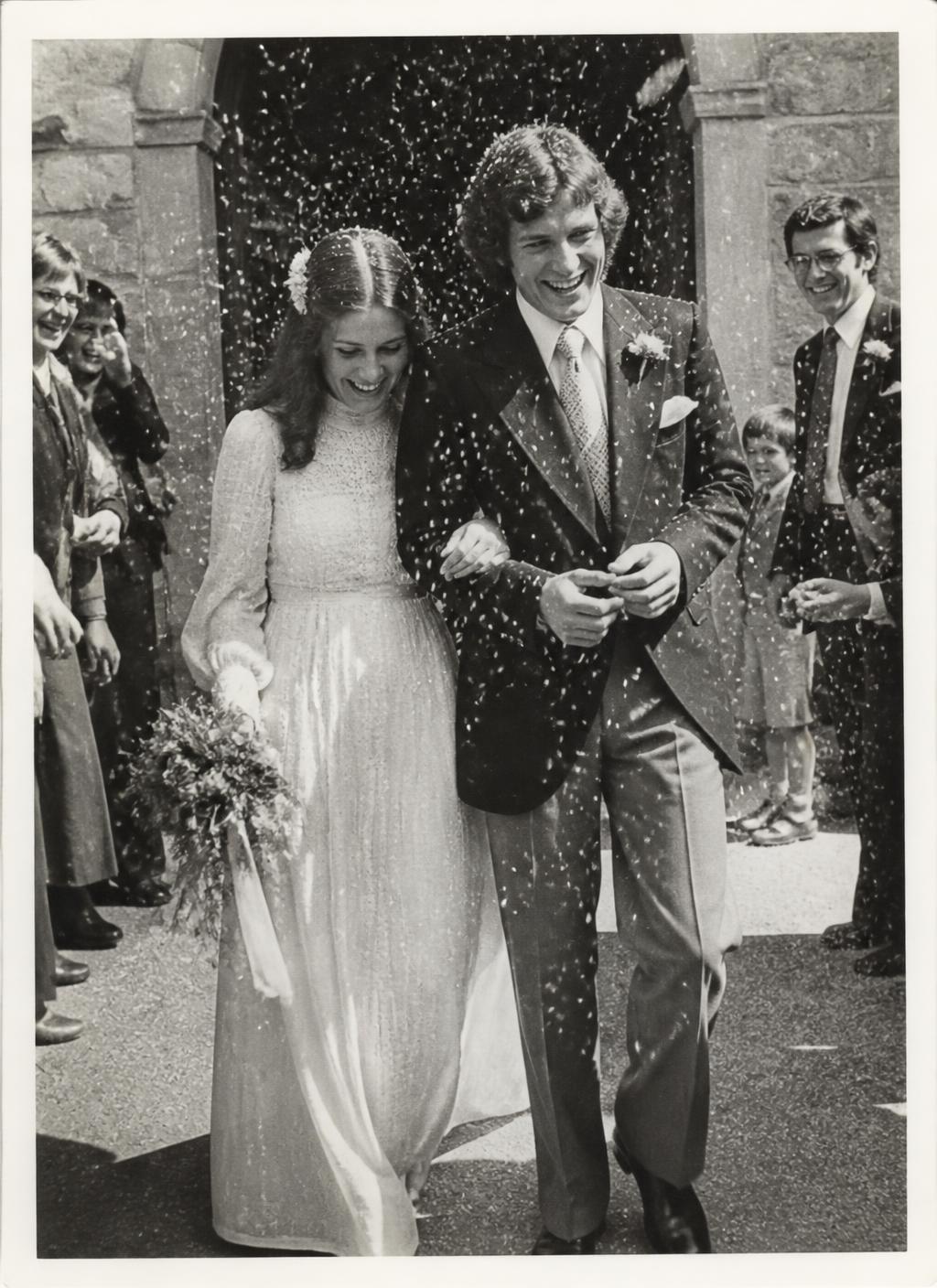
Afterwards
It doesn't end when the day does.
You wake up to the night from angles you never saw.
A voice you'd forgotten surfaces on an ordinary Tuesday.
The Space is still there, still whole, still yours — and it starts to know what matters to you.
One Space becomes several. Several become the record of a life — a memory companion rather than a folder you'll never open.
Before you ask
The honest answers.
No. There is no guest app. They open a link or scan a code and contribute in their phone's browser — no download, no account, no password.
Yes. Most do. They can add anything from their camera roll as well as capture something new in the moment.
Yes — all three, alongside photographs. Voice memories and written memories are often the parts people return to most.
It's private by default. Only people with your link or code can reach it, and it isn't listed or searchable anywhere.
Yes. You can hold anything back, hide it, or remove it at any time — before or long after the occasion. Nothing waits on your approval to arrive, so you're never doing admin during your own day.
Yes. Koda keeps the story; you always keep your memories. A Memory Keeper can download individual memories and request a complete archive of the Space. That is part of the product — not a place where memories stay trapped. Publishing a Story onto social platforms is a different, later capability.
The Space stays open. Memories keep arriving for as long as people are still adding, and the Story is there to watch, share with the people who were there, and return to.
Yes. Birthdays, anniversaries, celebrations of life, holidays and trips, and company events all work the same way — Koda shapes the Space around the occasion you choose.
Your memories don't expire. An open Memory Space stays with you until you choose to delete it. That is the product position — not a monthly rental, and not an unconditional legal promise of forever.